Dynamic currency conversion (DCC), four mechanics that add 5-15% to every card swipe.
A Rome trattoria POS displaying "EUR 100 or USD 118?" with USD pre-selected. A Prague Euronet ATM offering to "lock in your home rate" of 24.5 CZK to USD when the network rate is 22.8. A Barcelona hotel reception auto-charging in dollars at checkout. A Booking.com checkout pre-selecting "guaranteed rate" in dollars on a Lisbon riad reservation. Four mechanics across 8 countries, defeated by the same 5-second rule: always pay in the local currency.


Dynamic currency conversion (DCC) runs four mechanics across 8 countries: restaurant / shop POS markup (5-12%), ATM home-currency lock-in (8-15%), hotel checkout auto-DCC, and online travel-booking DCC (Booking.com / Hotels.com "guaranteed rate" 5-12%). The universal defense is one 5-second rule: always pay in the local currency. EUR for Europe, GBP for UK, JPY for Japan, CZK for Czech Republic. The defense in depth is rejecting "home currency" offers at every ATM, disabling auto-DCC on online bookings, and using a no-foreign-transaction-fee credit card (Chase Sapphire, Capital One Venture, Wise, Revolut).
"Vuole pagare in euro o in dollari? Tasso garantito a 1.18."
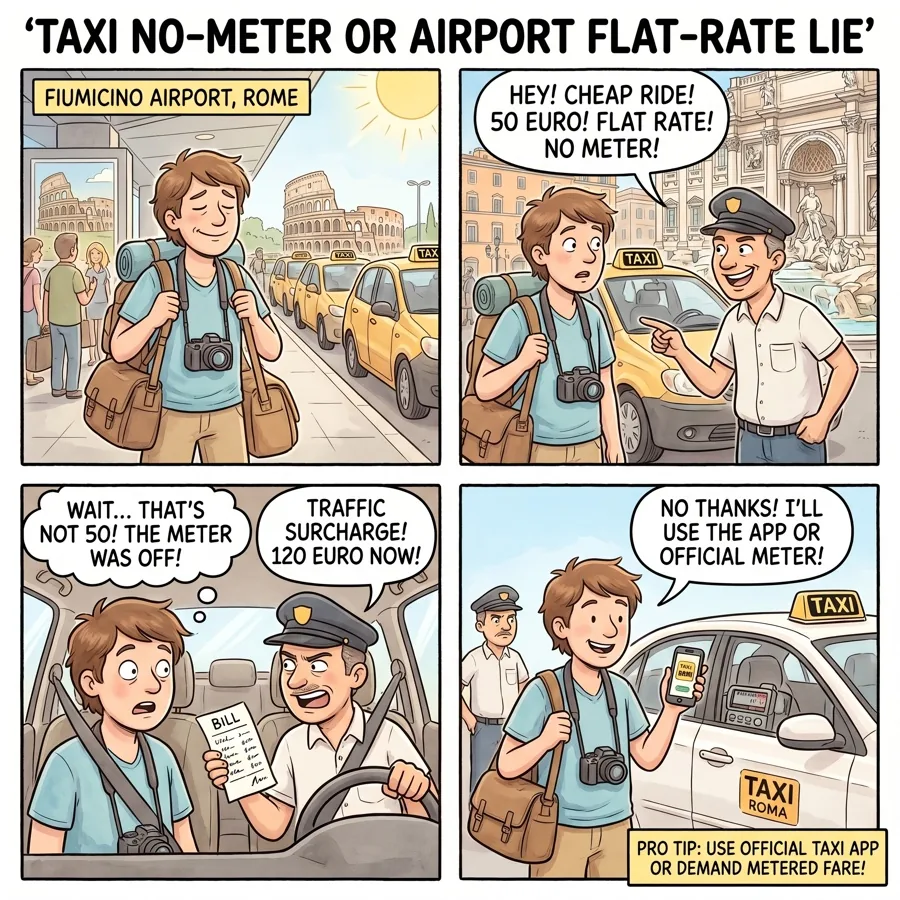
You finish dinner at a trattoria on Vicolo del Mattonato in Rome Trastevere at 9:15pm on a Saturday. The bill is 92 EUR for two: pasta, wine, dessert, coperto, servizio included. The waiter brings the handheld payment terminal. He inserts your card, types the amount, hands you the terminal. The screen displays:
"Vuole pagare in euro o in dollari?" (Would you like to pay in euros or in dollars?)
Below: two buttons. The left, smaller and grey, says "EURO 92.00." The right, larger and highlighted in green, says "USD 108.56" with the text "Tasso garantito 1.180" (Guaranteed rate 1.180). The waiter watches.
The actual EUR-to-USD rate at the moment is 1.069 (per OANDA / Reuters). Visa and Mastercard's network conversion rate adds about 0.2-0.5% to the interbank wholesale rate, so 92 EUR converts to about 99-100 USD on your card statement at the network rate. The DCC offer of 108.56 USD adds a 1.180 rate, or roughly 9% above the network rate. The difference is 8.50 USD on this single 92-EUR meal.
You take five seconds. You select the EUR 92.00 button. The waiter looks slightly disappointed but processes the charge. Your statement two days later shows 99.10 USD for the meal. You saved 9.46 USD by choosing the local currency. Across a 14-day Italian trip with similar transactions, the savings would be 100-200 USD.
The DCC variant has been documented across European tourist zones since the 2000s. The European Banking Authority (EBA) issued guidelines in 2018 requiring POS terminals to disclose the markup percentage; some EU member states (France in particular) have stricter enforcement. Italian POS terminals technically must display the markup but the disclosure is often subtle (smaller font, secondary screen). The variant is structurally legal but exploits tourist confusion about FX mechanics.
That is the canonical restaurant POS variant of the dynamic-currency-conversion family, executed at one of the most-documented locations in Europe. The rest of this page is the four-mechanic playbook, the four other places where it runs in different forms (Barcelona shop POS, Prague Euronet ATM, Paris hotel checkout, online Booking.com), and the always-pay-local rule that defeats every variant.
Read the full Rome scam guide →Key Takeaways
The always-pay-local rule
DCC depends on you accepting the home-currency option at the point of sale. The local-currency option is always present on every POS terminal, every ATM, every booking platform; the operator just defaults the visible button to home-currency and adds the markup. The defensive routine is a single trained habit: always pay in the local currency. The play falls apart instantly because the local-currency button is one tap away.
- Always pay in the local currency at every POS. When the restaurant, shop, or hotel POS asks "pay in EUR or USD?", always select the local currency. DCC adds 5-15% on top of your card's normal foreign-transaction rate; the local-currency option is always present somewhere on the screen.
- Reject "home currency" offers at every ATM. European ATMs (Euronet, Travelex, some local banks) ask "do you accept the conversion?" or "lock in your home rate?". Always select No / Decline / "Without conversion." The ATM's offered rate is 8-15% worse than your card issuer's rate.
- Disable auto-DCC on online bookings. Booking.com, Hotels.com, Expedia, Agoda default to home-currency "guaranteed rate" for many bookings. Click "Show all currencies" or "Pay in property currency" to switch. The "guaranteed rate" is the markup.
- At hotel checkout, demand the bill in local currency. Hotels routinely auto-select home-currency conversion at checkout. Demand: "Please charge in [EUR/GBP/JPY], not in my home currency." The hotel POS supports both options.
- Use a no-foreign-transaction-fee credit card. Chase Sapphire, Capital One Venture, Bank of America Travel Rewards, Charles Schwab Debit, Wise, and Revolut all charge 0% foreign-transaction fees. Combined with always paying in local currency, your effective FX cost is 0-1% (the network rate).
The four mechanics
DCC presents differently across point-of-sale contexts. Here are the four sub-variants documented globally. Each has a recognition tell, a primary geography, and the routine step that defeats it.
1. Restaurant / Shop POS Markup
The most-encountered variant. After the meal or purchase, the POS terminal displays "Choose your currency: EUR or USD?" The home-currency rate adds 5-12% to the bill. Some terminals make the local-currency option subtle (smaller text, secondary button) to push tourists toward DCC. The waiter or cashier may pre-select the home currency.
Defense: always select the local-currency option. Most reported in: Rome / Florence / Milan / Venice trattorias and shops; Barcelona Las Ramblas and Gothic Quarter restaurants; Madrid El Corte Ingles; Paris cafes and luxury boutiques; London tourist-zone restaurants; Galeries Lafayette department store.
2. ATM Home-Currency Lock-In
Documented heavily at Euronet, Travelex, and some local-bank ATMs (most-aggressive in Italy, Czech Republic, Hungary, Spain, Portugal). After PIN entry and amount selection, the ATM displays "Do you accept the conversion?" or "Lock in your home currency rate?". The offered rate is typically 8-15% worse than your card issuer's network rate. The decline option is labeled subtly: "Continue without conversion", "Use card network rate."
Defense: always select No / Decline / "Without conversion" / "Use my card network rate." Most reported in: Euronet ATMs at Rome Termini, Florence Santa Maria Novella, Prague Old Town, Budapest Vaci Street, Madrid Atocha, Barcelona Sants, Lisbon Rossio; Travelex ATMs at major airports.
3. Hotel Checkout Auto-DCC
Hotels routinely auto-select home-currency conversion at checkout for visible-foreign cards. The receipt shows two amounts: local and home. The auto-DCC selection happens silently; many tourists do not notice the conversion until they review the credit-card statement weeks later. The hotel keeps the markup as additional revenue or shares it with the POS provider.
Defense: at checkout, demand "Please charge in [EUR/GBP/JPY], not in my home currency." The hotel POS supports both. Most reported in: chain hotels (Marriott, Hilton, IHG, Accor, Hyatt) in Italy, Spain, France, Germany, UK; tourist-zone independent hotels in Czech Republic, Portugal, Greece, Croatia, Hungary.
4. Online Travel-Booking DCC
Online travel platforms default to home-currency "guaranteed rate" for many bookings. The framing in checkout is "You'll be charged in [home currency] for a guaranteed rate" as a pre-selected option, with 5-12% markup. The "guaranteed rate" marketing is misleading: the home-currency rate is locked at booking but at the platform's chosen markup. Property-currency option is hidden behind a small drop-down.
Defense: at checkout, look for "Show all currencies" or "Pay in property currency" option. Most reported in: Booking.com defaults across most non-USD properties; Hotels.com Expedia checkout; Agoda Asian-property bookings; sometimes Airbnb (less common, opt-in only).
Where it runs
DCC is documented at every major European tourist destination and at most major airports globally. The eight countries below cover the bulk of tourist exposure where the variant is most aggressively deployed.
| Country | Documented variants | Iconic location pattern |
|---|---|---|
| 🇮🇹 Italy | 4 | Rome / Florence / Milan / Venice restaurants and shops; Trenitalia high-speed station shops; Euronet ATMs at major stations |
| 🇪🇸 Spain | 3 | Barcelona Las Ramblas and Gothic Quarter restaurants; Madrid El Corte Ingles; Sevilla tourist-zone shops |
| 🇩🇪 Germany | 2 | Frankfurt / Munich / Berlin restaurants; Deutsche Bahn ICE on-board cafes; airport shops |
| 🇫🇷 France | 2 | Paris cafes and luxury boutiques; Galeries Lafayette department store; Nice Promenade restaurants |
| 🇬🇧 United Kingdom | 1 | London restaurants and tourist shops; Heathrow / Gatwick airports; Edinburgh Royal Mile |
| 🇨🇿 Czech Republic | 1 | Prague tourist-zone restaurants and Wenceslas Square shops; Euronet ATMs heavily concentrated |
| 🇵🇹 Portugal | 1 | Lisbon Bairro Alto and Algarve restaurants; Galp gas stations; airport shops |
| 🇭🇺 Hungary · 🇵🇱 Poland | 2 | Budapest Vaci Street and Castle District; Warsaw Old Town; Krakow Wawel area; Euronet ATMs aggressive |
Bar width is data-bound at 30 pixels per documented variant. Italy alone accounts for 25% of global exposure, driven by aggressive POS DCC across the entire restaurant + tourist-shop ecosystem.
Four more contexts, four more DCC mechanics
The Rome trattoria POS scene above showed the canonical restaurant variant. Here are four more places where different sub-variants dominate. Each links to the full city scam guide.
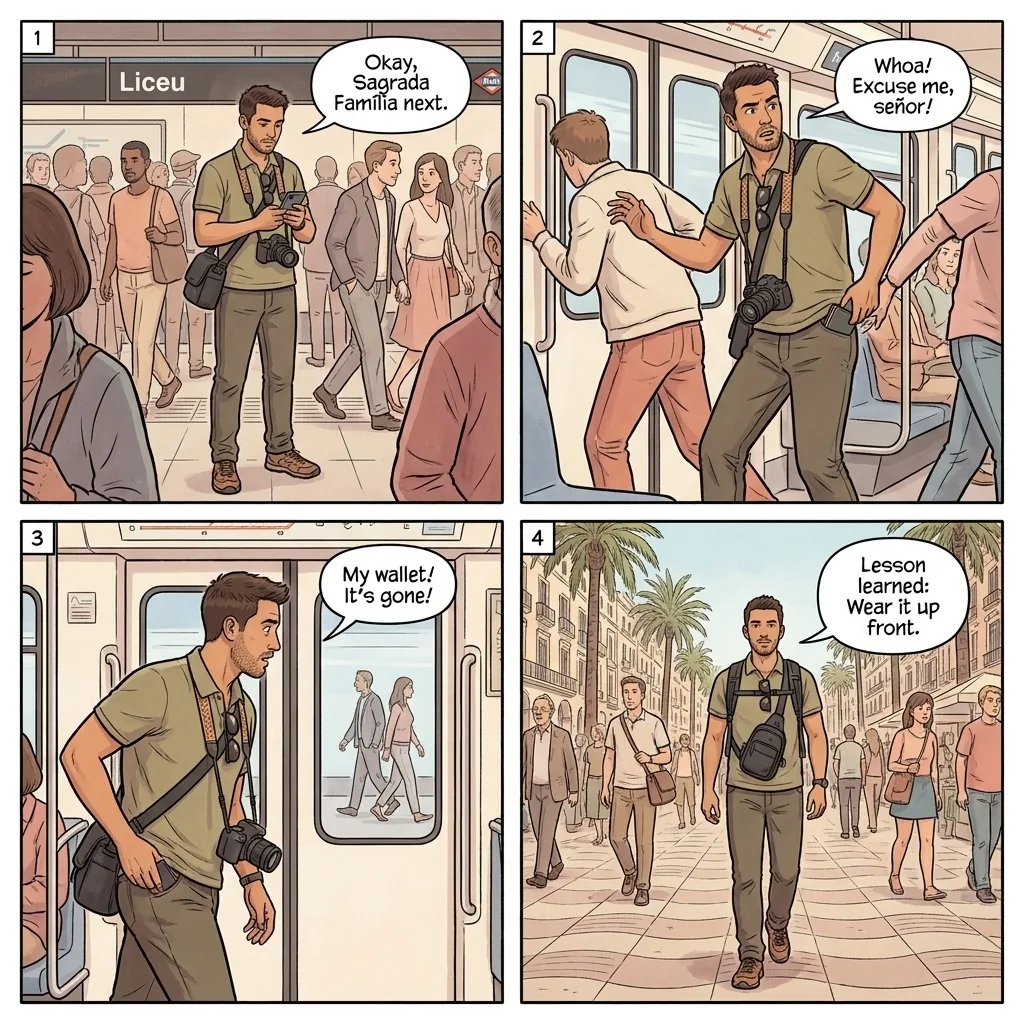
You buy souvenirs at a shop on Las Ramblas Barcelona at 4pm on a Wednesday. Total: 64 EUR for postcards, magnets, and a small leather wallet. The cashier inserts your Visa, types the amount. The handheld terminal displays "EUR 64.00 / USD 75.20 - Recargo aplicado." The USD button is highlighted in green; the EUR button is smaller and grey. The cashier gestures at the USD button: "Press here, faster." The actual network rate would convert 64 EUR to about 68.50 USD on your statement; the DCC offer at 75.20 USD adds 9.8% markup, costing you 6.70 USD on this single transaction. The Comune of Barcelona's Direccion General de Consumo accepts complaints about undisclosed POS markup, but the variant is structurally legal under Spanish consumer law as long as the rate is displayed. The Mossos d'Esquadra Tourist Help line +34 932 903 000 advises tourists to always select the EUR option. Defense: at any Barcelona shop or restaurant POS, point at the EUR button before the cashier reaches for the terminal: "Quiero pagar en euros, por favor." The cashier switches the selection in 2 seconds.
Read the full Barcelona scam guide →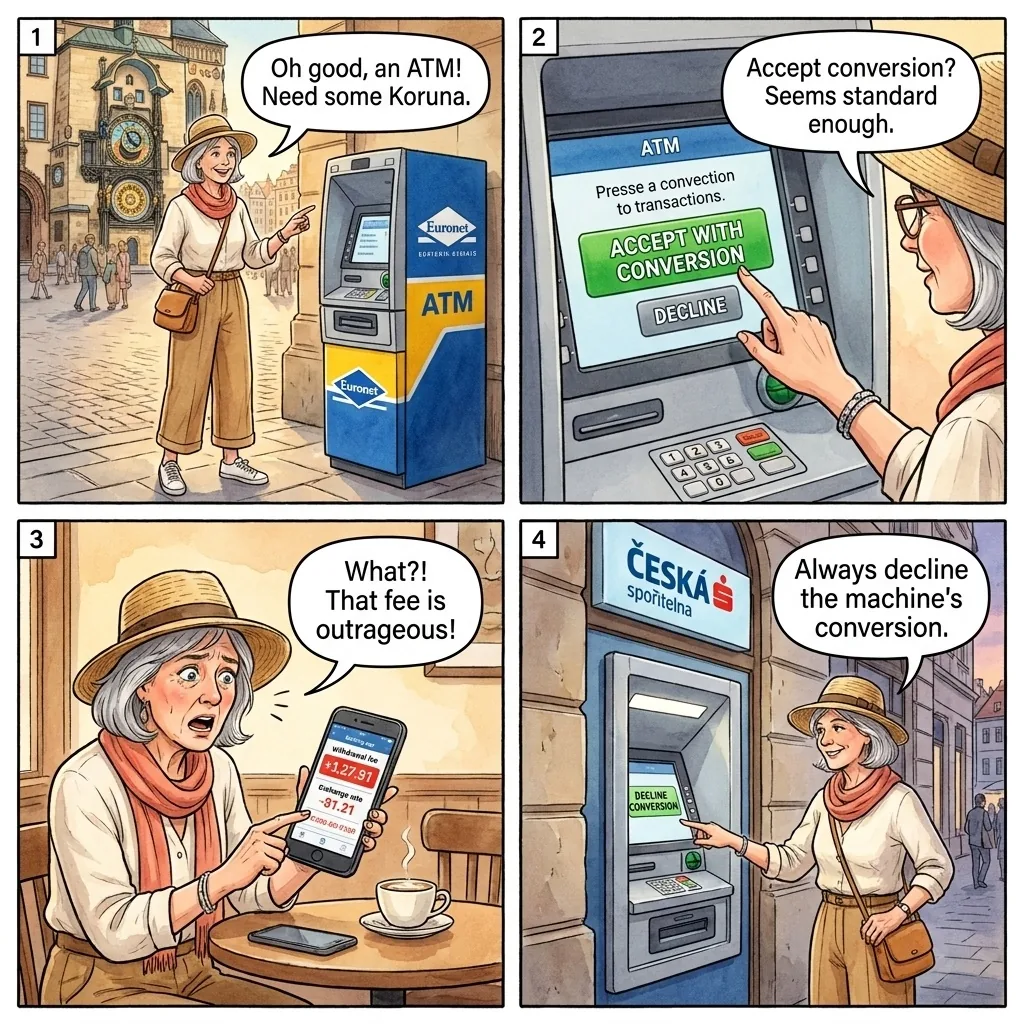
You walk through Prague Old Town Square at 11am on a Saturday, headed for the Astronomical Clock. You stop at a Euronet ATM near the entrance to Karlova street to withdraw 5,000 CZK (about 220 USD at the network rate). After PIN entry and amount selection, the ATM screen displays a large green box: "Do you accept the conversion at 24.50 CZK = 1 USD? This locks in your home rate. Press OK to accept or Cancel to decline." The actual network rate at the moment is 22.85 CZK = 1 USD. The Euronet conversion at 24.50 adds 7.2% markup, costing you 16 USD on this 5,000 CZK withdrawal. The variant has been documented continuously at Euronet ATMs since 2012; multiple Czech consumer-protection investigations have flagged the markup. The Czech Trade Inspection Authority (CTIA) accepts complaints. The simplest defense: walk past Euronet ATMs entirely. Czech bank ATMs (CSOB, Komercni Banka, Ceska Sporitelna, Raiffeisen Czech Republic) charge no DCC and use the card network rate by default. The CSOB ATMs are clearly labeled and located at every major Prague metro stop. Defense: avoid Euronet and Travelex ATMs in Prague; use CSOB / Komercni Banka / Ceska Sporitelna ATMs at Old Town Square, Wenceslas Square, and Charles Bridge. If you must use Euronet, select Cancel / Decline / "Continue without conversion."
Read the full Prague scam guide →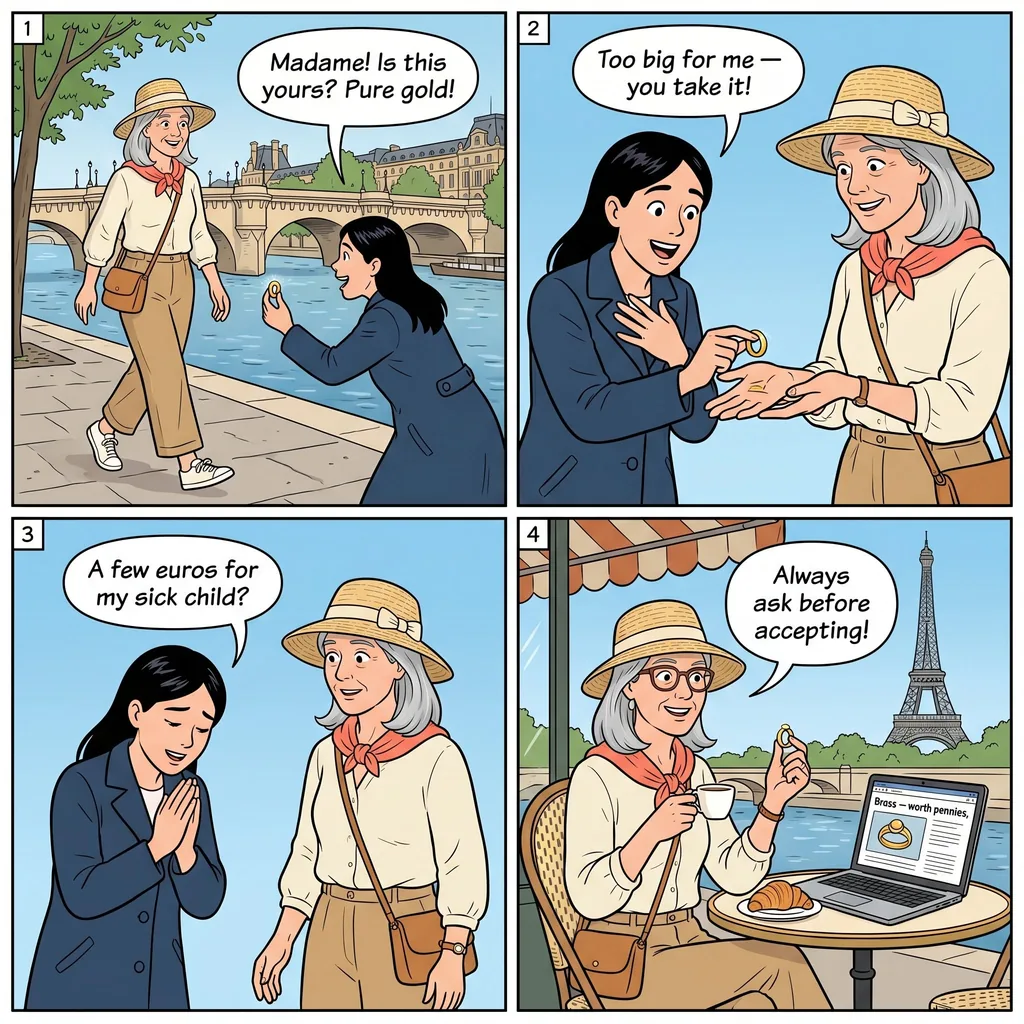
You check out of a 3-star hotel near Gare du Nord in Paris at 11am on a Tuesday. The 4-night stay totaled 480 EUR; the receipt the front-desk clerk hands you shows two columns: "Total: EUR 480.00 / USD 562.40 - Frais de conversion DCC." The clerk has already processed the charge in USD silently while you were signing the receipt. The DCC markup at 1.171 USD per EUR adds 7.5% above the network rate, costing you 36 USD on this 480 EUR stay. The actual statement charge appears on your card 3-7 days later; many tourists do not catch the conversion until reviewing the statement weeks after returning home. The DGCCRF (French consumer protection) requires POS systems to disclose the markup, and France has stricter enforcement than most European countries, but the auto-default to home-currency remains legal as long as the markup is displayed (which it is, in small print on the receipt). The chargeback success rate for "service not as described" on auto-DCC is moderate — Visa and Mastercard typically refund the markup if the cardholder explicitly requested EUR billing and was charged in USD against their preference. Defense: at every Paris hotel checkout, before the clerk inserts your card, say: "Je voudrais payer en euros, s'il vous plait, pas en dollars." (I'd like to pay in euros, please, not in dollars.) The clerk switches the POS selection on the spot.
Read the full Paris scam guide →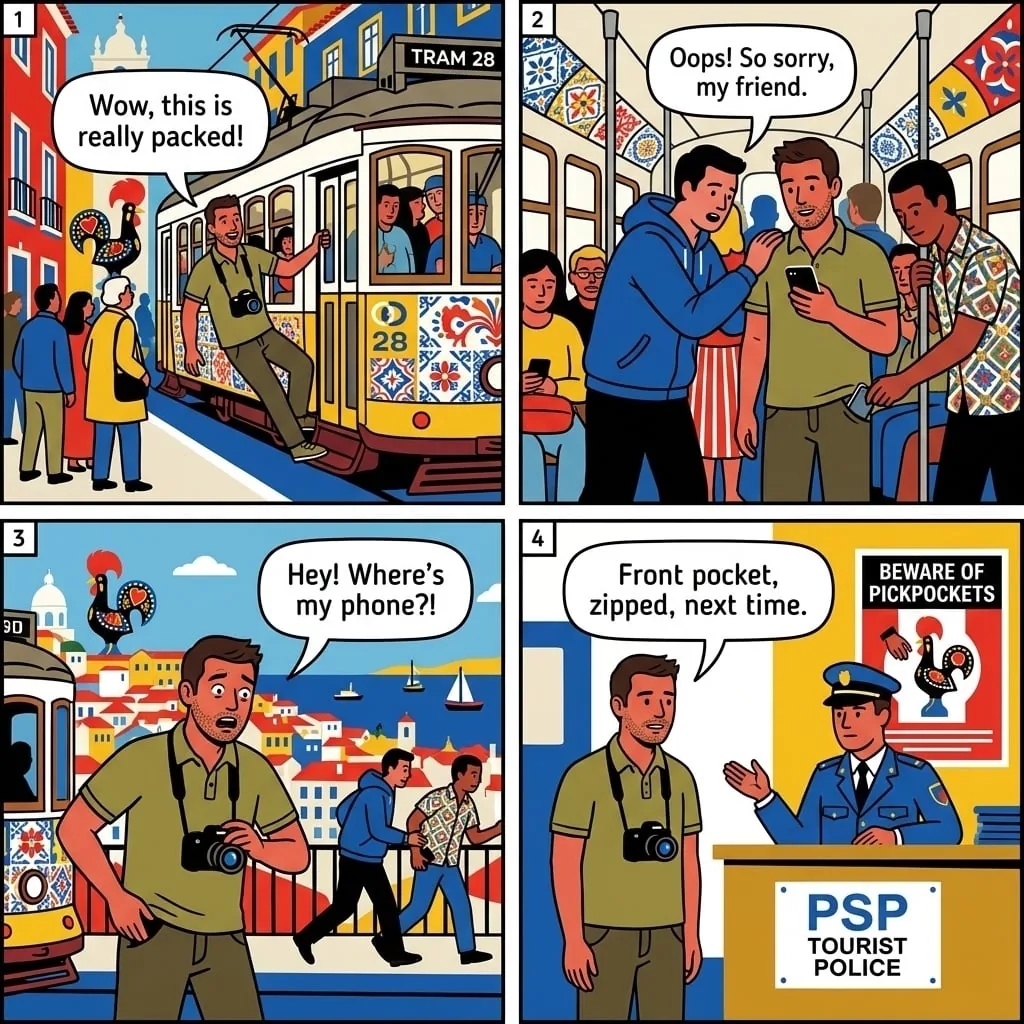
You book a Lisbon riad on Booking.com for 3 nights at 95 EUR per night (285 EUR total). At checkout, the price summary shows: "Total: USD 334.16 - You'll be charged in USD for a guaranteed exchange rate" with a small "Show all currencies" link below. The actual EUR price is 285; the USD displayed at 334.16 reflects a Booking.com rate of 1.173 USD per EUR. The card-network rate at charge time would convert 285 EUR to about 305 USD, saving you 29 USD. Click "Show all currencies"; the dropdown reveals the EUR option ("EUR 285.00 - Charged in property currency"). Click Submit; your card is charged in EUR; your statement two days later shows 304.95 USD. The savings on a single 3-night booking: 29.21 USD. Across a 14-day European trip with multiple Booking.com reservations, the savings compound to 100-200 USD. Booking.com is required by EU regulations (Payment Services Directive 2) to allow the property-currency option, but the platform UX defaults strongly toward the "guaranteed rate" home-currency display. The DGCCRF and the European Consumer Centre have both received complaints. Defense: on every Booking.com / Hotels.com / Expedia / Agoda checkout, look for "Show all currencies" or "Pay in property currency" link. Click it; select the property's local currency. Saves 5-12% on every booking.
Read the full Lisbon scam guide →Red flags
If two or more of these signals fire when you are paying abroad, the DCC variant is in play. The compounding rule: a single signal might be a coincidence; two signals are a script.
- The POS terminal asks "EUR or USD?" / "Local or home currency?"
- The home-currency button is highlighted, larger, or pre-selected
- The terminal shows "guaranteed rate" or "tasso garantito"
- The cashier or waiter gestures at the home-currency button
- The ATM offers to "lock in your home rate" or "accept the conversion"
- You are at a Euronet or Travelex ATM at a major European tourist station
- The hotel receipt shows two amounts (local and home) with home highlighted
- Booking.com / Hotels.com / Expedia checkout shows "guaranteed rate"
- You see "Show all currencies" or "Pay in property currency" as a small link
- Your card statement shows different amounts than expected for foreign transactions
The phrases that shut it down
Refusing DCC works when you signal you want to pay in the local currency. The phrase pattern is the same in every European language: I want to pay in [local currency].
If you got hit
You reviewed your card statement and found 8-15% DCC markups across multiple European transactions during your trip. DCC losses are partially recoverable through Visa / Mastercard chargeback when the markup was added against your explicit instruction. Cash-paid losses are not recoverable. The actionable response is preventive for future trips.
Within 60 days of the transaction (Visa / Mastercard chargeback window): file a chargeback claim through your card issuer. The grounds: "Currency conversion fee not authorized" or "Service not as described." Submit the receipt (which typically shows both EUR and USD amounts) plus a statement that you requested local-currency billing. Success rate is moderate (40-60%) when the documentation is clear; lower when the receipt does not show your verbal request.
Within 90 days: file a complaint with the country's consumer-protection authority. EU member states are required by Payment Services Directive 2 (PSD2) and the Cross-Border Payments Regulation 2019/518 to disclose DCC markup transparently. France's DGCCRF, Italy's Polizia Annonaria, Spain's Direccion General de Consumo, and Germany's Bundesanstalt fur Finanzdienstleistungsaufsicht (BaFin) all accept English-language complaints about DCC non-disclosure.
For online travel-booking DCC: contact the platform's customer service. Booking.com (+44 20 3320 2616), Hotels.com (varies by region), Expedia (+1 844 638 9472) all have escalation paths for "I was charged in the wrong currency" complaints. Refund rates are high (60-80%) within 30 days of booking; lower after 90 days.
- Visa Global Customer Assistance: +1 303 967 1090 (collect from anywhere); chargeback claims via card issuer.
- Mastercard Global Service: +1 636 722 7111; chargeback claims via card issuer.
- EU Consumer Centre Network (ECC-Net): covers DCC disputes across EU member states.
- UK Financial Ombudsman Service: for UK-based DCC disputes.
- Italy: Polizia Annonaria; Federconsumatori for POS DCC complaints.
- France: DGCCRF (signalconso.gouv.fr); UFC-Que Choisir consumer organization.
- Spain: Direccion General de Consumo; OCU (Organizacion de Consumidores y Usuarios).
- Germany: BaFin; Verbraucherzentrale (consumer protection foundation).
- Czech Republic: Czech Trade Inspection Authority (CTIA).
- Booking.com customer service: in-app help menu; +44 20 3320 2616.
Recovery rates: Visa / Mastercard chargeback 40-60% with documentation; online platform refund 60-80% within 30 days; consumer-protection authority resolution 30-60 days at 30-50% success. The actionable response is preventive: always pay local; reject ATM home-currency; disable auto-DCC online; use no-FX-fee credit card.
Related atlas entries
Sister entries in the Scam Atlas. DCC sits in the Money section; ATM Skimming covers the broader card-fraud family; Currency Exchange & Cambio covers offline FX scams; Counterfeit Currency Returns covers the post-transaction cash-fraud variant.
Sources
- European Banking Authority (EBA) DCC disclosure guidelines (EU, 2018-ongoing).
- Payment Services Directive 2 (PSD2) and Cross-Border Payments Regulation 2019/518 (EU, ongoing).
- Visa and Mastercard published network conversion rate methodology (global, ongoing).
- DGCCRF France, signalconso.gouv.fr DCC complaint logs (France, ongoing).
- Polizia Annonaria Italy, restaurant POS DCC complaints (Italy, ongoing).
- OCU Spain (Organizacion de Consumidores y Usuarios), DCC investigation reports (Spain, 2019-2025).
- Czech Trade Inspection Authority (CTIA), Euronet ATM markup investigations (Czech Republic, ongoing).
- Which? UK consumer magazine, DCC investigative coverage (UK, multi-year).
- The Points Guy, NerdWallet, and Wise.com financial-blog coverage of DCC mechanics (US/UK, ongoing).
- r/travel, r/CreditCards, r/europe continuing thread monitoring 2018-2026.
Get the full atm-currency-conversion-trap playbook for your destination.
Each Travel Safety atlas covers every documented card, ATM, and money scam in one country, plus the country's full scam catalog: pickpocket, taxi, restaurant, fake authority, distraction. Buy once, lifetime updates as scams evolve. $4.99 on Kindle.